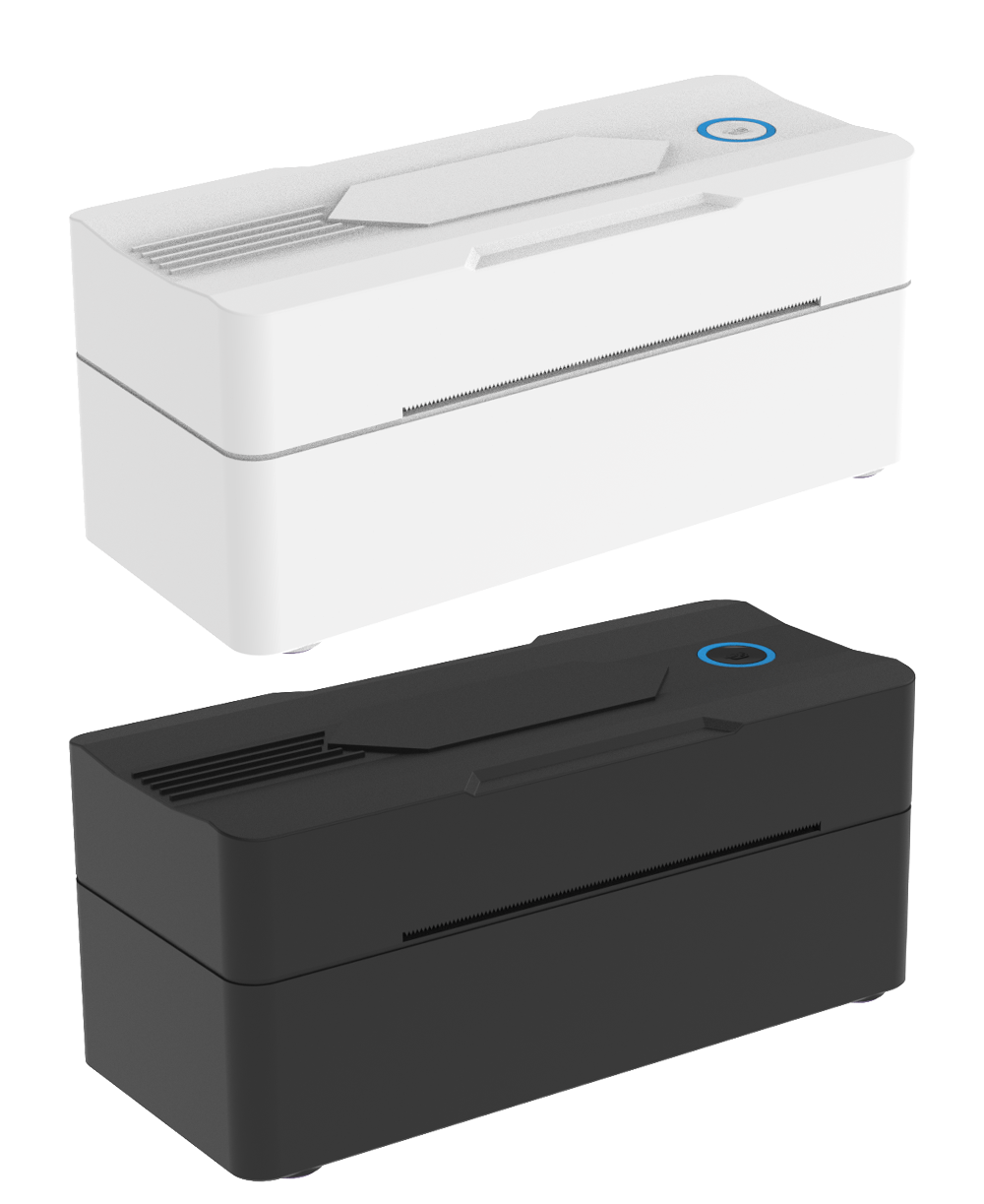
Getting started with your 9270
VIDEO COMING SOON▶
Setup video will be available here
We’re preparing the official YouTube walkthrough. You can use the steps below in the meantime.
01Unbox & load labelsPower, labels and guides
02Windows USB setupInstall driver and connect
03macOS USB setupInstall and add the printer
04Phone app setupiOS and Android printing
05Calibrate labelsCorrect size and alignment
06Print a 4 × 6 labelSettings and first test print